

Common Password
Apply one password when multiple PDFs follow the same protection pattern.
Sign, manage, verify and deliver PDF documents using Digital Signature Certificates. Use a connected browser-based workspace for your signing workflow.
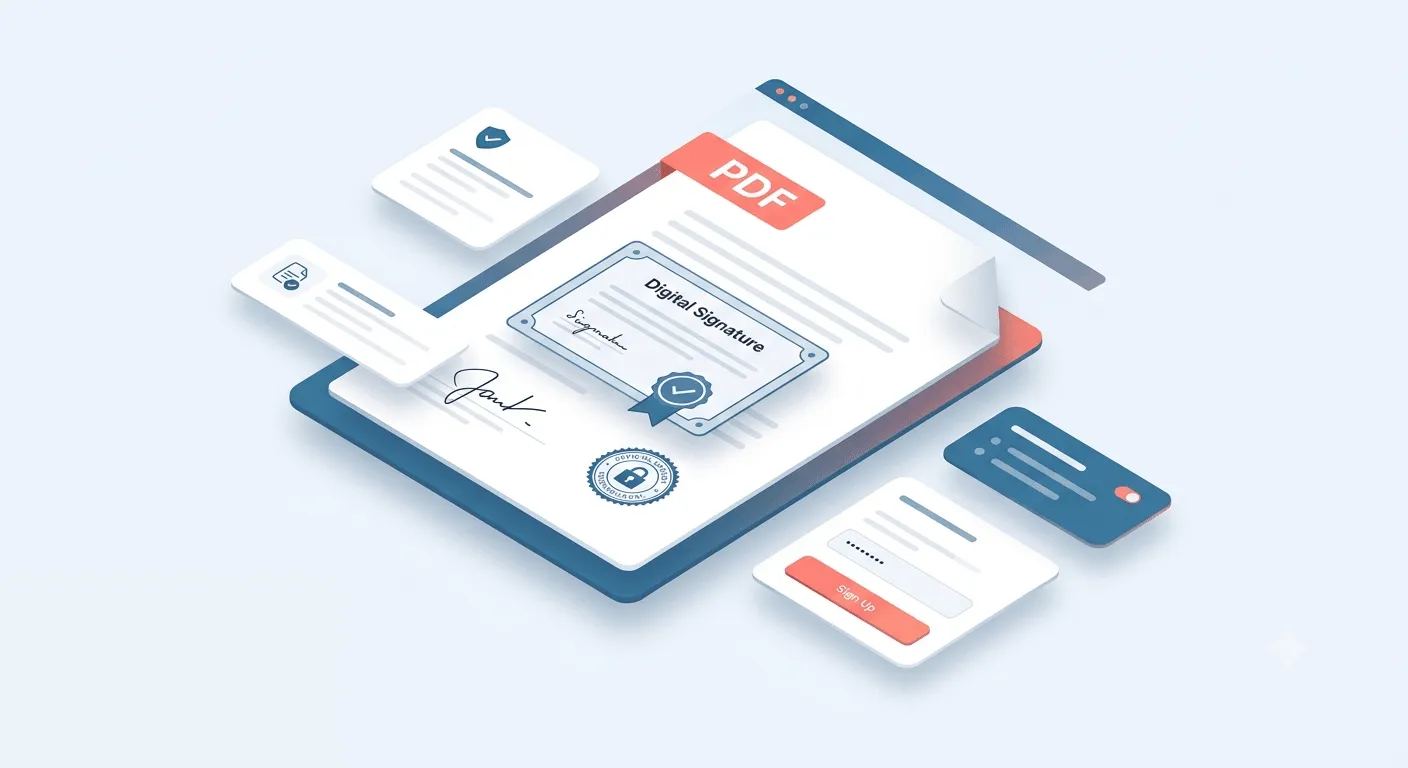










Sign, manage, verify, send and track PDF documents from a centralized web-based workspace.
Sign, manage, verify, send and track PDF documents from a centralized web-based workspace.
Get Started →Best suited for
Check whether one or more signed PDFs are valid and untampered.
This document has a trusted digital signature and has not been modified since signing.
Track delivery, opens and downloads for documents you sent.
| Document | Sent to | Delivery | Sent | Actions |
|---|---|---|---|---|
GST_Audit_Report_FY24-25.pdf42 pages · protected | accounts@example.com | Downloaded | 28m ago | |
Board_Resolution_Q2.pdf3 pages · protected | secretarial@example.com | Opened | 15h ago | |
Form 16 Batch — 3 Sep 20264 files · 8 pages | 4 recipients | 1 of 4 failed | 2d ago | |
TDS_Compliance_Certificate.pdf6 pages · protected | accounts@example.com | Downloaded | 2d ago | |
GST_Annual_Return_GSTR9.pdf34 pages · protected | Demo Company · finance@example.com | Opened | 3d ago | |
Tax_Audit_3CD_Annexure.pdf18 pages | accounts@example.com | Delivered | 4d ago | |
Provident_Fund_Return_Aug.pdf5 pages · protected | hr@example.com | Sent | 7d ago | |
Director_Appointment_DIR12.pdf4 pages | compliance@example.com | Failed | 9d ago | |
Statutory_Audit_Report_FY24.pdf56 pages · protected | accounts@example.com | Downloaded | 15d ago |
From one important document to hundreds of PDFs, PDFSigner is designed to simplify the work that happens around digital signing.
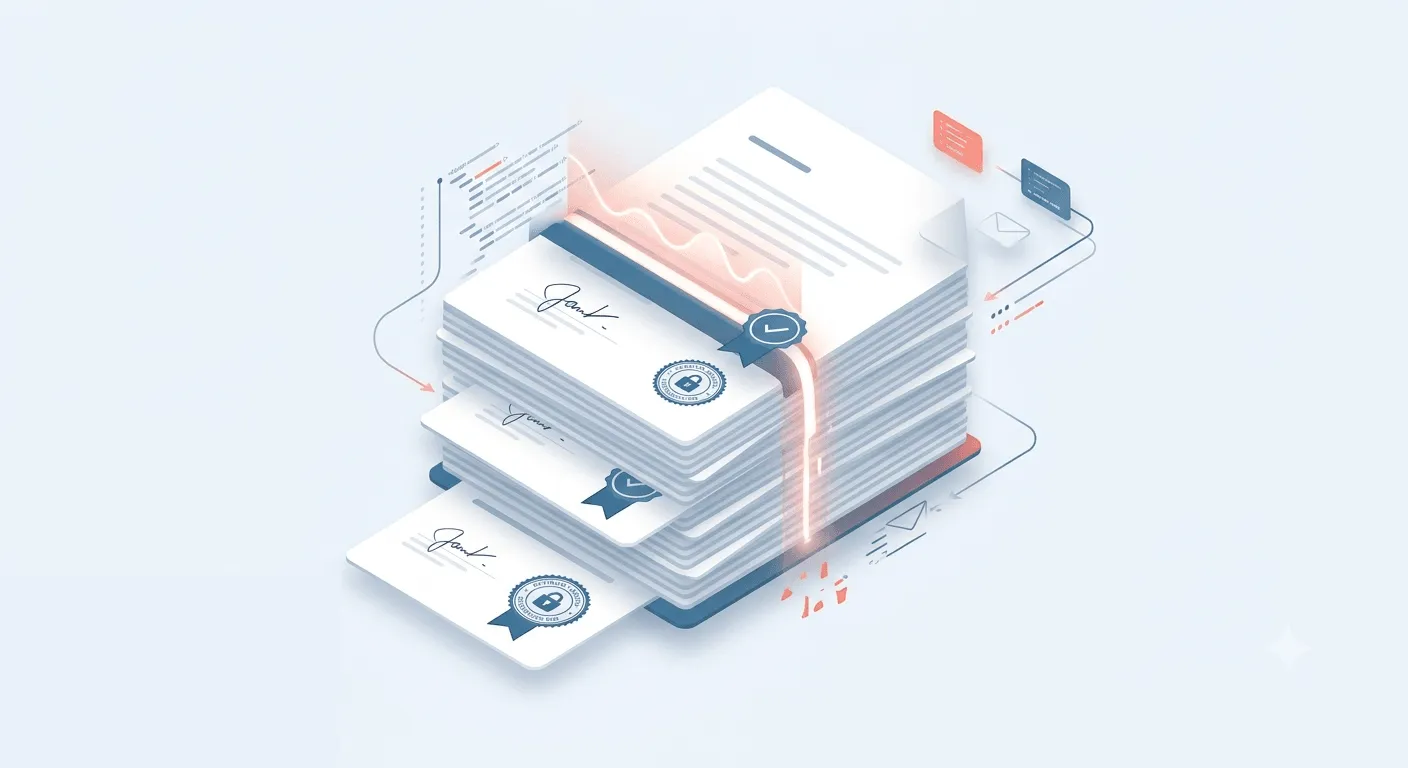
Process large batches of PDF documents instead of signing files one by one.
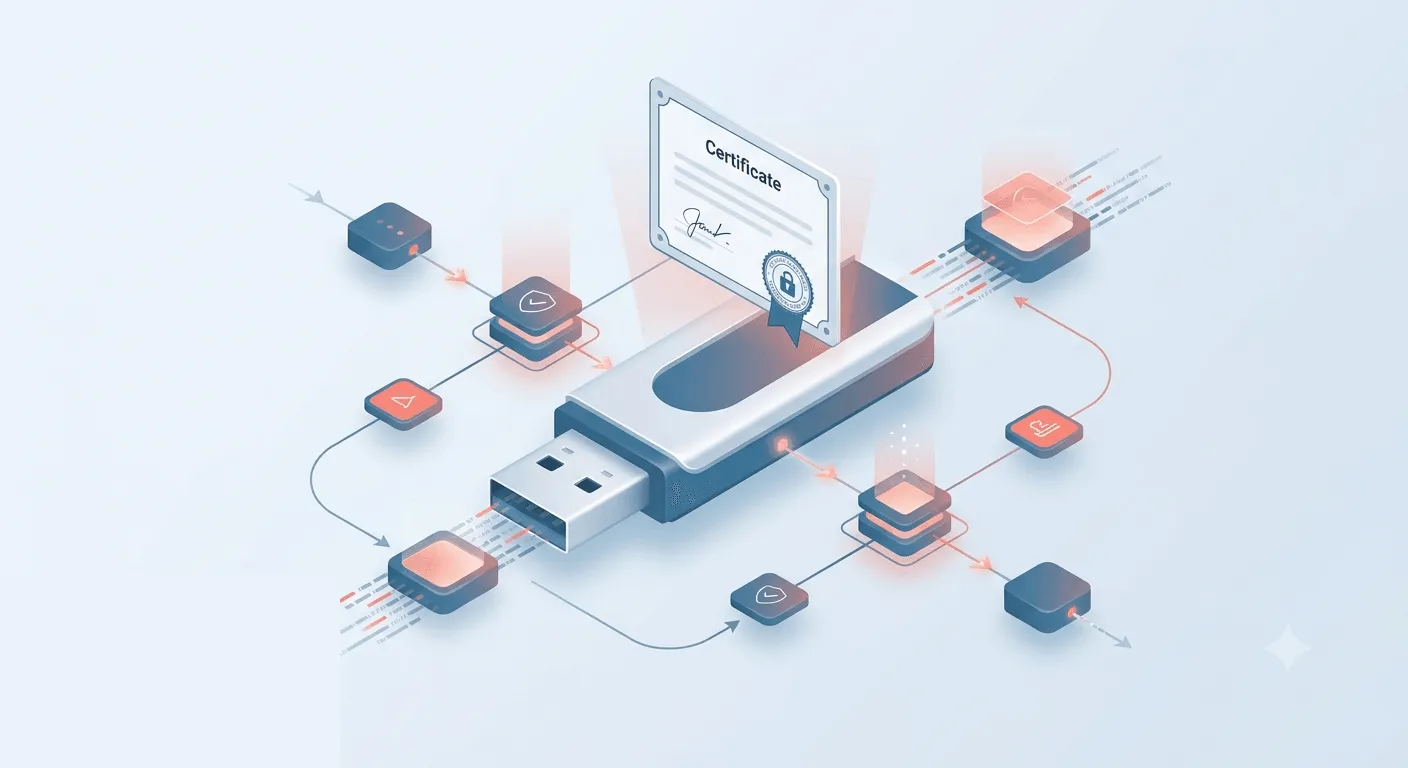
Use supported Digital Signature Certificates through USB tokens and certificate environments to apply certificate-based digital signatures.
Explore signature placement and stamp settings on a sample document. No account needed for this preview.
Place your signature, choose where it goes and preview the result.
This sample page shows how a signature can appear on a PDF. It is for demonstration only and is not a signed legal document.
Review the document, select a demonstration profile and place the signature stamp where you want it to appear. Adjust the stamp details using the settings panel.
Drag the stamp to reposition it. Use the corner handle to resize.
PDFSigner helps you reduce manual effort, handle more documents and keep your digital signing workflow simple from start to finish.
Sign documents digitally without printing, manually signing, scanning or waiting for physical delivery.
Process large batches of PDFs without repetitive manual signing.
Use certificate-based digital signatures and verification capabilities to help establish signer identity and document integrity.
Move from signing to verification and delivery without returning to paper-based processes.
Use the Web App for a connected document workflow.
From financial records and contracts to government forms, invoices and employee documents, PDFSigner helps teams digitally sign the PDFs their work depends on.
Sign invoices, vendor agreements and business documents without slowing down digital operations.
Securely sign financial records, agreements and reports that require trusted digital signatures.
Sign invoices, tax documents, financial reports and other accounting records digitally.
Digitally sign official documents, applications, forms and departmental records with confidence.
Keep delivery, transport and operational documents moving with faster digital signing.
Digitally sign reports, records and compliance documents while keeping document workflows organized.
Simplify the signing of policies, claims documents, agreements and customer records.
Digitally sign certificates, admission documents, student records and institutional paperwork.
Sign import, export and trade documents digitally to keep business transactions moving.
Sign appointment letters, salary slips, employee records and onboarding documents with ease.
Digitally sign service agreements, customer documents and operational records efficiently.
Sign contracts, NDAs, agreements and other legal documents with verifiable digital signatures.
Digitally sign sales, vendor, service and operational documents across automotive workflows.
Sign proposals, contracts and customer documents faster to keep deals moving.
Digitally sign appointment letters, salary slips, onboarding documents and employee records.
Manage digitally signed contracts, NDAs, agreements and legal documents with greater control.
Sign invoices, reports, financial records and approval documents without paper-based delays.
Keep everyday business documents, records and approvals moving through digital workflows.
Sign purchase orders, vendor agreements and procurement documents efficiently.
Sign and verify regulatory documents, reports and records that require trusted digital signatures.
Digitally sign service agreements, business documents and technology-related records with ease.
PDFSigner combines certificate-based digital signing, PKI technology, cryptographic security and verification capabilities to help businesses create and manage trusted digital documents.
Use Digital Signature Certificates issued by licensed Certifying Authorities in India, including supported X.509 certificate-based signing workflows.
PDFSigner uses Public Key Infrastructure principles to establish a verifiable association between the signer and the signed document through cryptographic technology.
Use trusted timestamps and signature integrity mechanisms to help establish signing time and identify changes made after signing.
Maintain signing activity and verify digital signatures, certificate details, signer information, document integrity and timestamp validity.
Support for SHA-256, SHA-384, SHA-512, RSA 2048 and PAdES / ETSI EN 319 142-1 where applicable.
PDFSigner is designed for digital-signature workflows aligned with the Information Technology Act, 2000 and applicable Indian provisions relating to electronically signed records.
Digital signatures are recognized under the IT Act framework, while the admissibility and evidentiary treatment of electronic records are addressed through applicable Indian evidence laws.
From bulk document signing to offline security and DSC support, see how businesses and professionals are using PDFSigner in their everyday document workflows.
Their Support centre is Simply Amazing They Solve Your Problems in a Minute. I have some technical Issue Their Representative Vishal Bansal Solve my issues within a very short time.

"I Had Great Experience From Miss Khushboo Agarwal For Issue Related To KDK Tds Excel Export. She Had A Very Good Knowledge And A Very Kind Tone. That's Excellent Issue Resolve In Just Few Minutes. 5 Star For Support."

"Thank You So Much Really Fast Response From KDK Software Team Especially Vishal Sir Response Great Within Limited Time Period He Did Wonderful Task And Resolve My Problem Thank You Sir And Thank You KDK Software Team"

"1 Cloud Base Is Good 2 Can Used From Anywhere 3 Single Click GSTR1/ 3B Downloads. 4 2B Reco. 5. Auto 2B Email To Clients And Email Feature To Some More Points Demo Given By Your Person With Good Explanation And Example Live"

"Awesome Support System. They Will Resolve Your Queries From All Perspectives. Some Of The Support Staff Are Very Cooperative. I Have Talked With Shyam. He Is Such A Nice And Kind Person. Thanks And All The Very Best"

"Nice Software Using For Last More Than 10yrs Since I Was Doing Articleship. Its Presentation Style Is Very Good In Compare To All Other Softwares In Market I Highly Recommend The Same."

Excellent digital signing tool. The bulk signing feature has saved us hours every month when processing salary slips for our 500+ employees.

Very easy to use and legally compliant. Our legal team relies on PDF Signer for all NDA and contract signings. Highly recommended!

The offline functionality is a great security feature. We handle sensitive financial documents and knowing they never leave our network gives us peace of mind.

Switched from manual signing to PDF Signer and our document turnaround time dropped from 3 days to 3 minutes. Outstanding product!

The DSC token integration works flawlessly. We've processed thousands of documents without a single authentication failure.

Setup was quick and the support team was extremely helpful. Within 30 minutes we were signing documents digitally.

Long-Term Validation support means our archived documents remain valid years after signing. Critical for our audit trail requirements.

The custom signature appearance feature lets us brand our signed documents professionally. Our clients are always impressed.

Handles our bulk tender document signing with ease. Used to take our team half a day; now it's done in under an hour.

Finally a PDF signing tool that understands Indian compliance needs. Class 3 DSC support and PKI standards all in one package.

We use PDF Signer for all our vendor agreements. The multi-signature capability has streamlined our approval workflows significantly.

Paperless HR is now a reality for us. Appointment letters, offer letters, salary slips — all digitally signed and delivered instantly.

SHA-256 encryption and RSA 2048-bit security meets our pharmaceutical regulatory requirements. Compliance team approved.

The time-stamping feature is invaluable for our legal department. Non-repudiation is guaranteed on every signed document.

Customer support is phenomenal. Any queries are resolved promptly and the team really understands the product inside-out.

As an educational institution we sign hundreds of certificates annually. Bulk signing has transformed our certificate issuance process.

Excellent value for money. The features offered at this price point are unmatched in the Indian digital signing market.

The interface is clean and intuitive. Even non-technical staff in our HR department can sign documents without any training.

Some organizations prefer a dedicated desktop application for offline signing, local folder processing, or environments with restricted internet access.
PDFSigner Desktop delivers the same trusted digital signing experience in a native Windows application while keeping documents on your local machine.
Sign documents faster, handle high-volume PDF workflows and keep every signed document easy to verify. Use PDFSigner through one connected web-based workspace.